
That’s right — round two of the Crow website preening has concluded, and there’s even more to share than the first post! We’ve got brand new author pages, clean interfaces for the search and projects page, updates for accessibility, and we’re documenting it all! Everything inside the website and out, we’re sharing it with you.
Our author page now shows users a specific Crowbird and all the posts that they’ve made on the website. Previously, this page was looking a tad… barren.
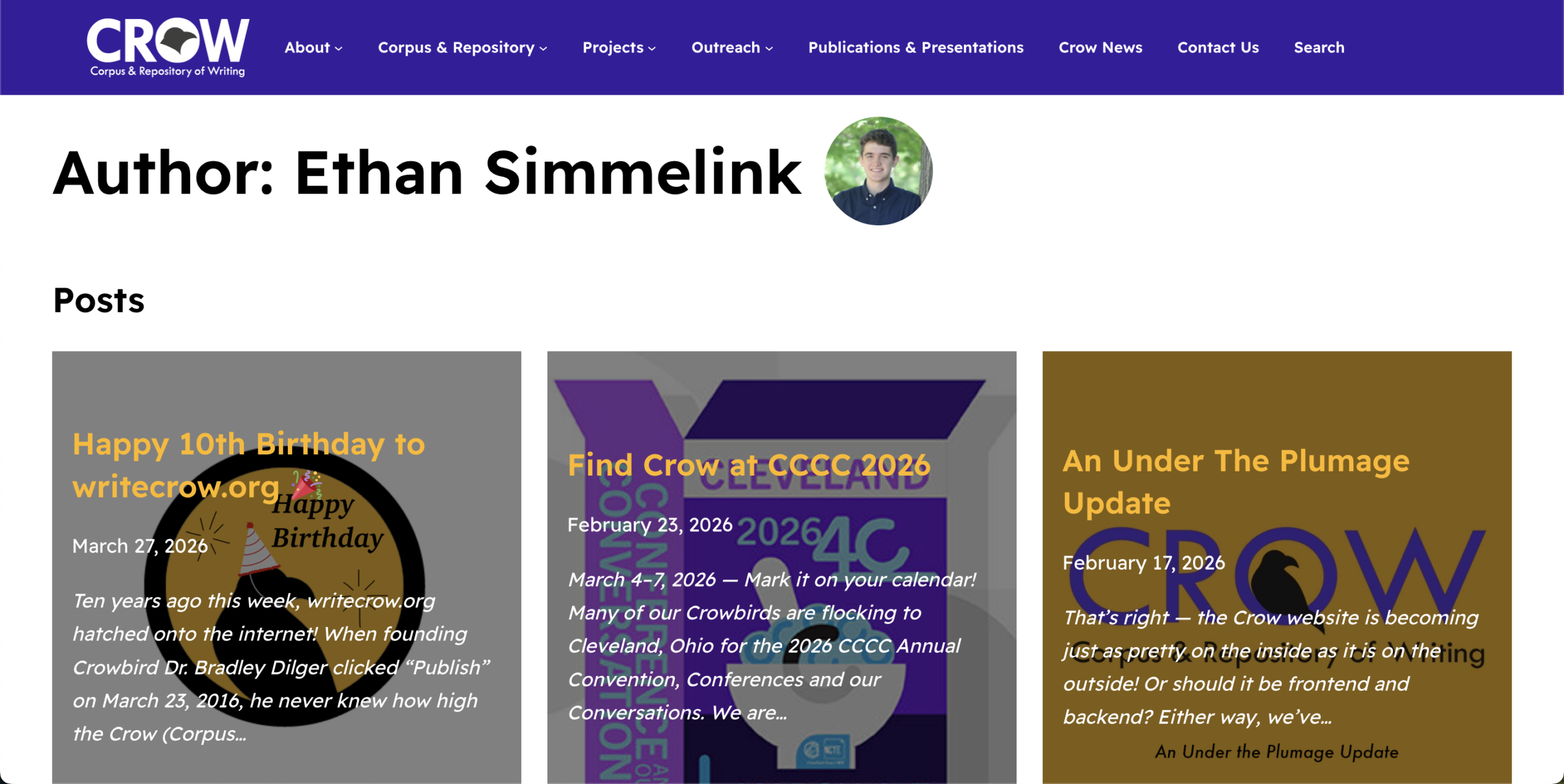
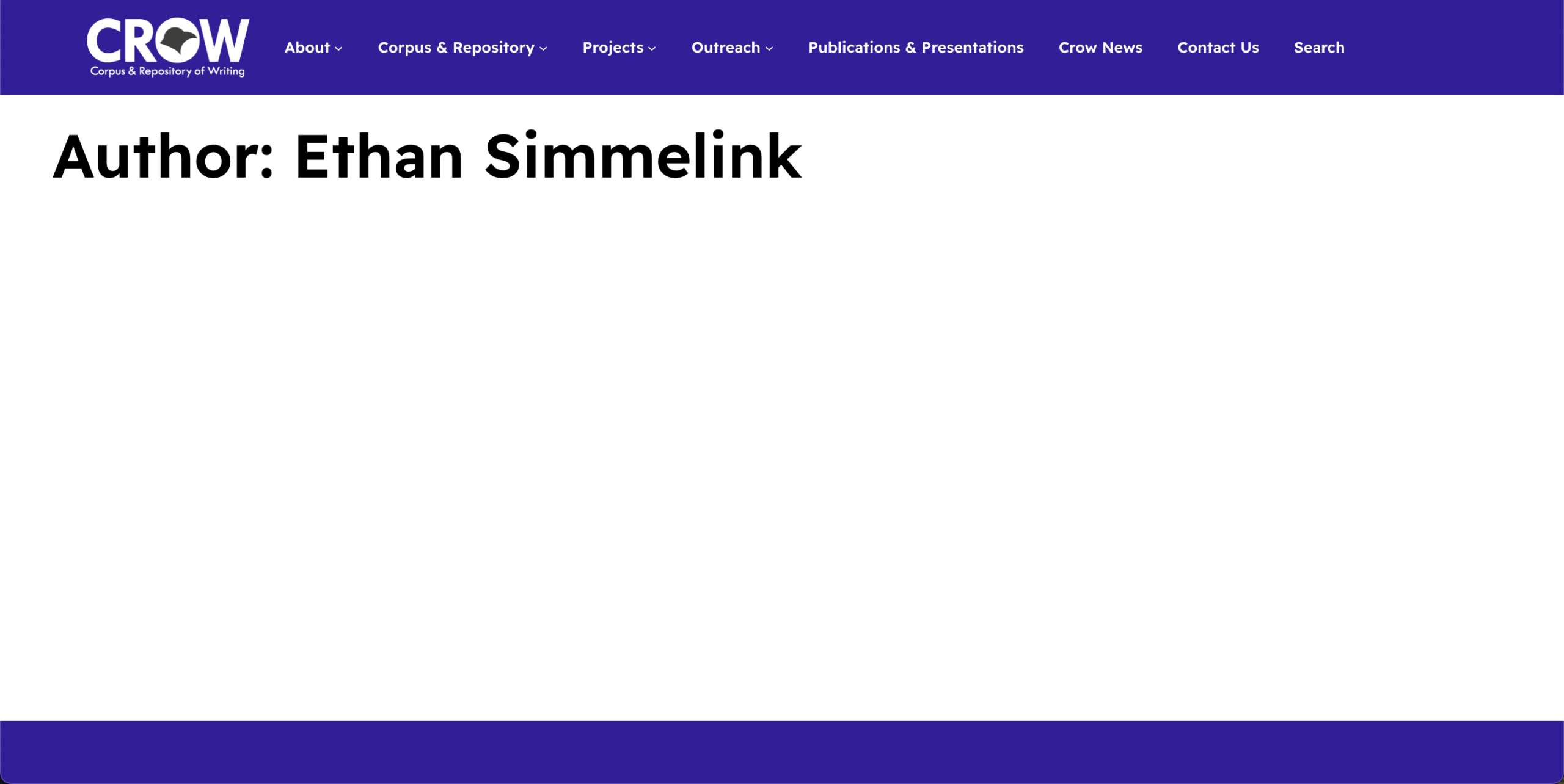
Needless to say, the template author page needed some substance. Use the slider on the image above to see how we gave each author page the proper profile photo and list of linked blog posts that author had written. At first it seems like a tedious task; fortunately WordPress makes the process easy.
You can achieve user-specific customizations for a webpage with the Author Archives template from the Appearance editor in the main sidebar menu. Editing that web page allows static and dynamic content to be applied at the same time. This depends on the block being used in the visual editor page. An excellent block for specificity is the Query Loop block, which generates content based on specific, user-defined parameters—in this case, the author. For this template page, we have the Query Loop block display the posts written by that author in a chronological, tiled grid below their name and avatar.
Select any of the author names on our articles to check out these pages for yourself!
Reuse and recycle.
A staple of all Crow work is reusing and recycling writing when it works. The same goes for web development. The Query Loop block and additional CSS coding used to create the Posts section in the Author Page are now also being used in the Search and Project Pages, with small alterations to cater their needs.
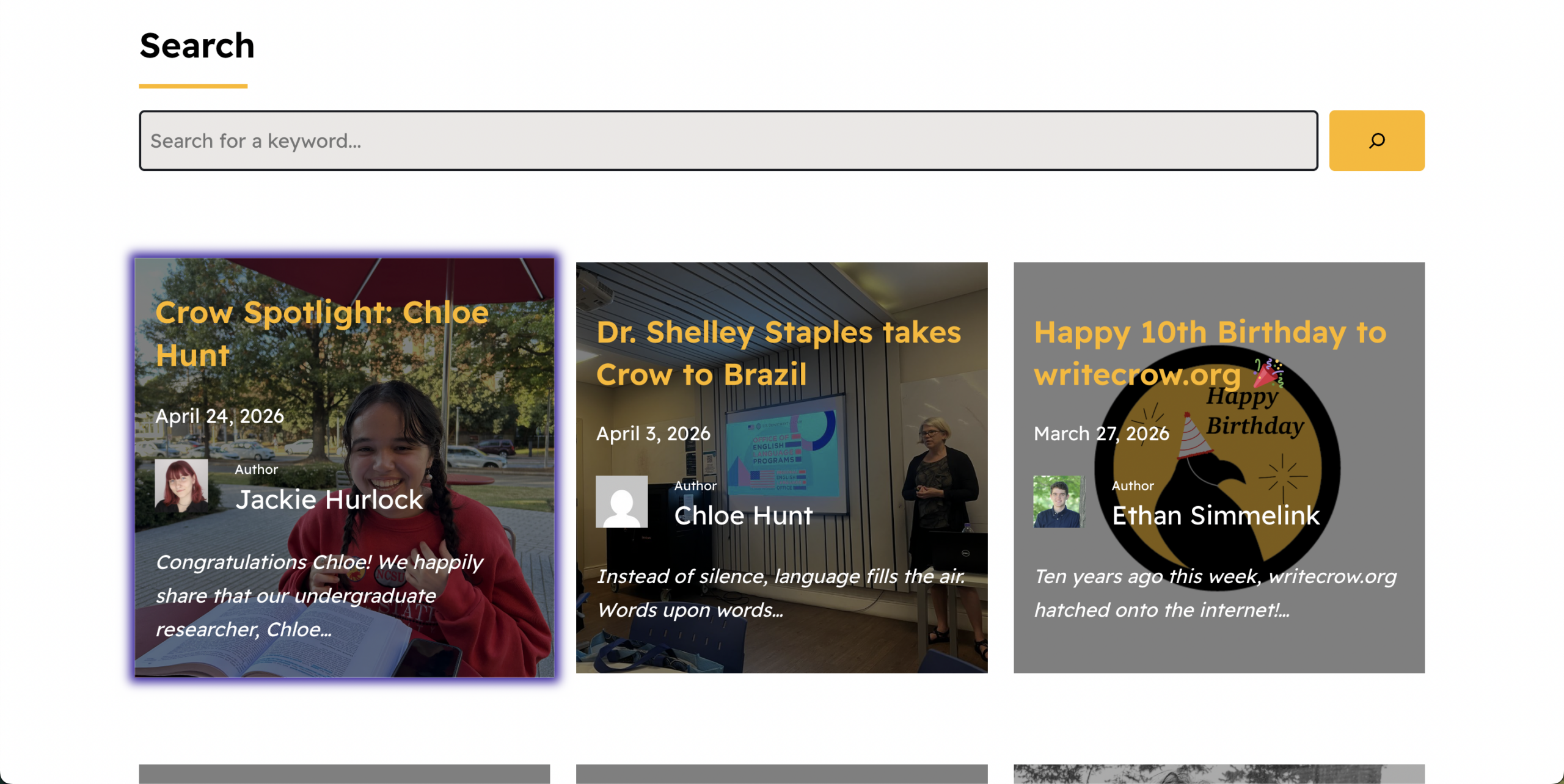
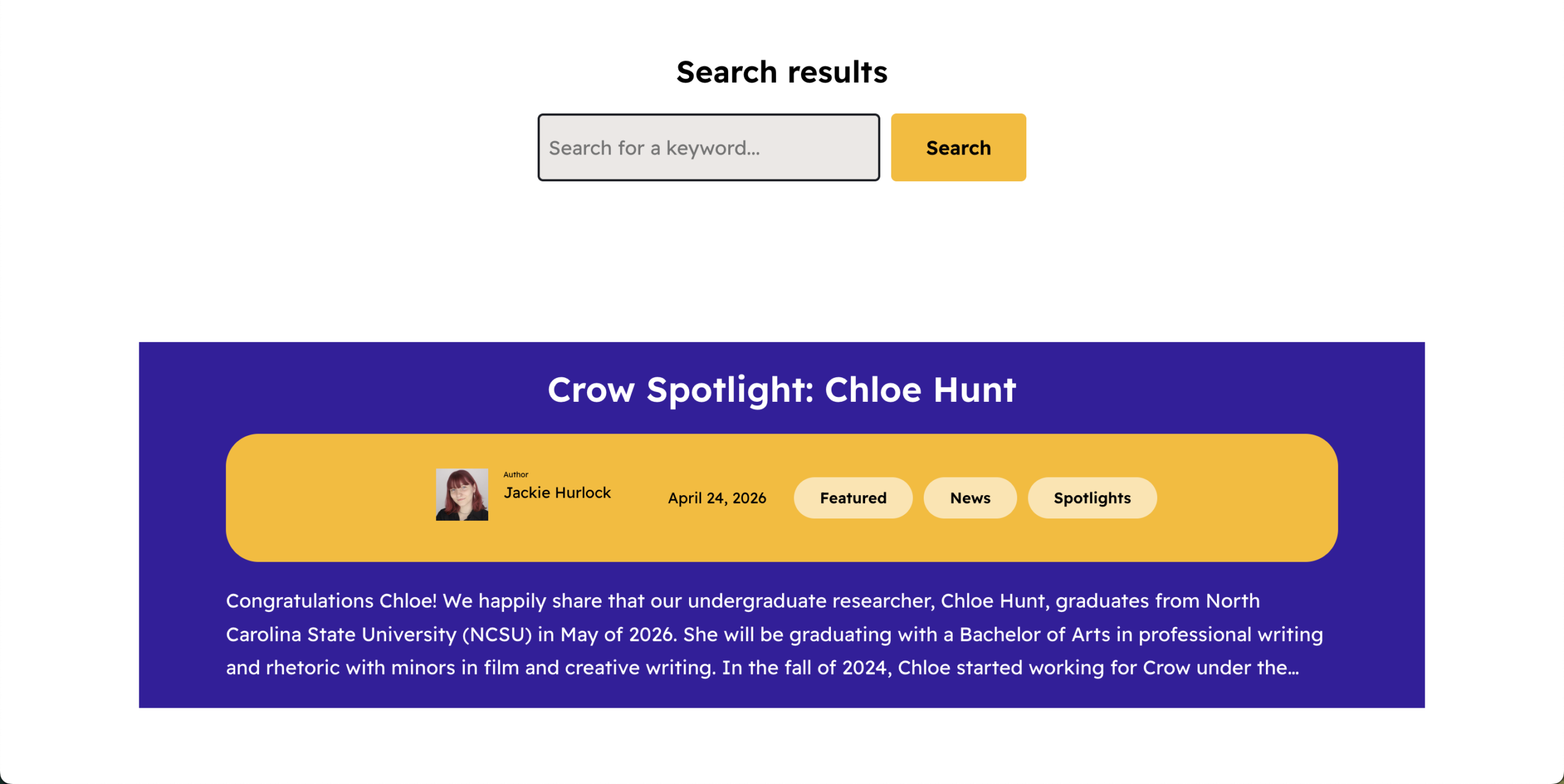
First, the Search page received a much-needed update to streamline the posts seen by the user. The original page was highly informative and attractive; however, the search function remained stifled. See the original, where only one full post can be seen on the webpage at a time. This does depend on screen size, but the overall usability was limited. We switched to a three column Query Loop block design to maximize the quantity of visible posts, while retaining as much information about said posts as possible. Balancing information and quantity led us to the same design as the Author Page. Consistency is always a plus, too.
Second, the Projects page, which remains a work in progress, is seeing a new redesign at the bottom. Our goal is to take the original list view of Crow projects and turn it into an engaging series of informative blocks. Each project will have a block of a hyperlinked image, details and deliverables for users to inspect before they dive into it further. Because this information is static, it does not use the Query Loop block, but it does use the CSS to make it feel interactive for the user.
With the Department of Justice (DOJ) bringing stricter accessibility standards under the Title II of the Americans with Disabilities Act (ADA) by April 2027, we knew now was the time to get ahead. We’ve always designed the Crow website with accessibility in mind. After all, the Web Content Accessibility Guidelines (WCAG) now required by the DOJ are almost 20 years old. Originally, this standardization deadline was 2026 but an extension moved it back one year. The WCAG, however, remained the same. So did we.
There are three levels of WCAG:
| Level | Name | Definition |
|---|---|---|
| A | The Baseline | 25 criteria | minimum accessibility | alt text, keyboard access, no autoplay, etc. |
| AA | The Legal Standard | 38 criteria | ADA/EAA compliant | readable, good contrasts, support interface zoom, etc. |
| AAA | The Gold Standard | 61 criteria | not always possible | extended audio description, sign language for audio, etc. |
Luckily, the internet has plenty of information regarding the standards and requirements of each level. We followed WebAim’s checklist to understand what needed fixing. However, we soon learned that reading this checklist does not mean immediate correction of our website. Finding broken rules requires a lot of technical skill and time, more than any single person can afford. Again, the internet has plenty of sites who specialize in this. WebAim’s Wave does an excellent job specifying base-level problems. For a more thorough analysis, SiteImprove might be worth the price. We’re grateful that Purdue has provided access to the latter for us.
It’s absolutely necessary to allow everyone to use our website, so we plan to continue our work through the next year to achieve full compliance with these much-needed standards. The issues we’ve begun taking care of to date include:
- Contrasted colors — the difference in brightness between foreground text/icons and its background.
- Maintained with WebAim’s contrast checker.
- Header hierarchies — the logical, nested arrangement of HTML heading tags (<h1> through <h6>) used to outline the structure of a webpage.
- Considered in reference to Purdue’s web accessibility article.
- Alt texts — a short written description of an image embedded in digital content.
- Determined by following the alt text decision tree.
- Image captions — a short text phrase placed below/next to an image that explains, identifies, or adds context to it.
Do your part: Document! Yes, most sane people find it boring and unnecessary. Why document something I just did? The truth about documentation is that most times it’s not for you. Whatever took you painstaking hours to diagnose and solve will be confidently inside your brain for a long time, but not forever. This is true across every field, not just tech. Right now, you could probably explain whatever you just learned in your sleep. Right?
Great — then do it. (Awake, preferably.)
Naturally, Crow firmly believes in documentation, and for great reason. Keeping documentation about the work of a team is more than a way to store information, it’s a path to inclusion and professional growth.
Writing down best practices makes them available for others to see, critique, and earn. From the start, Crow Principal Investigators (PIs) ask student researchers to involve themselves in documentation. Because their growth and the team’s growth depends on this manner of collaboration.
And by writing out what you’ve done in an accessible, interesting (hopefully), user-centered way, you allow anyone in the future with a similar problem to bypass the pain you had to gain. You also become more acquainted with that field by learning how to articulate it to someone that isn’t you. Think rubber duck debugging. That’s why these blog posts exist: anyone that writes solutions to problems on the internet or in books knows the importance of recording information in indelible forms. Minimize the time it takes for someone else to become skilled in dealing with difficult problems. It makes everyone better!
As with every problem you solve — for web development especially — two more problems will always follow it. While this post will be my last since I’m graduating, there’ll surely be more to come from different Crowbirds in the future. So, with that mind — until their time!